
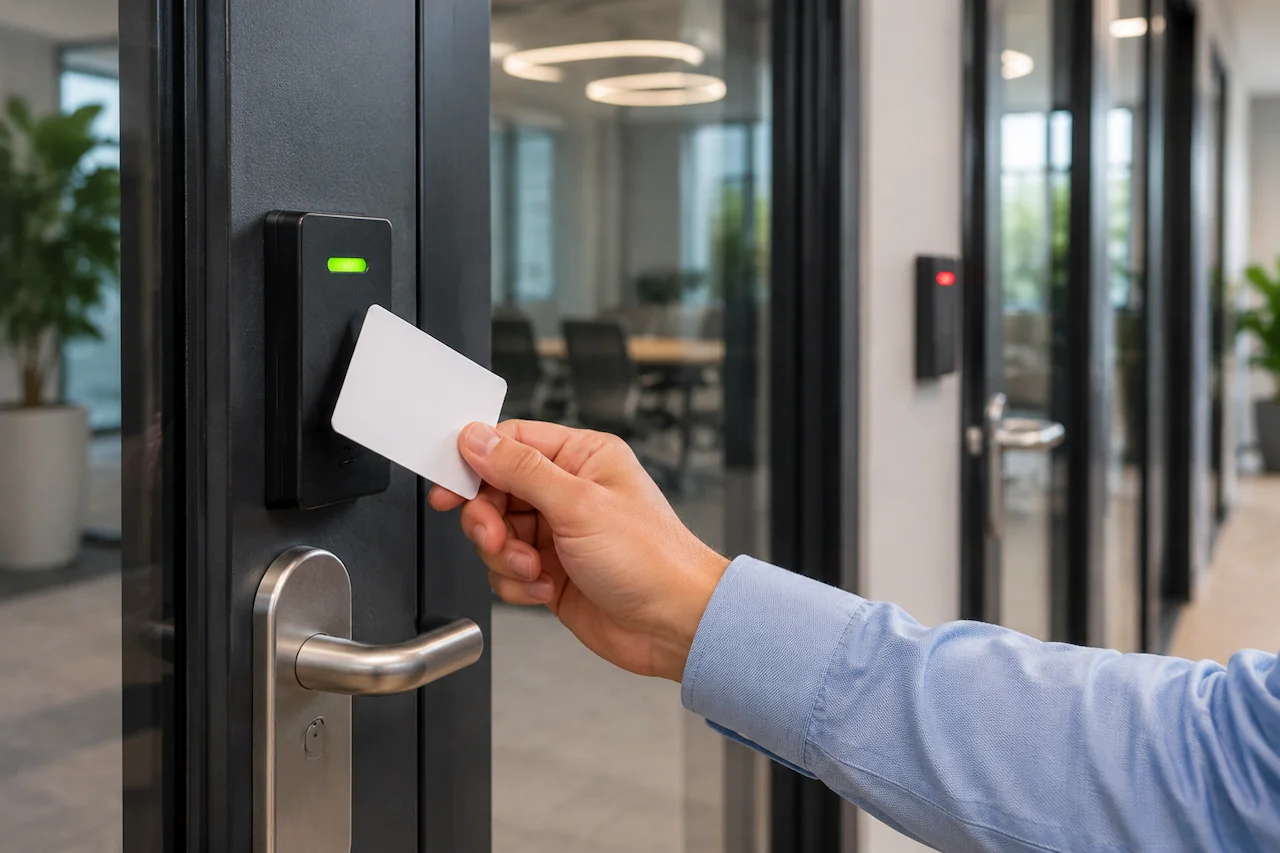
Office key card issues can be frustrating when your card works on one door but fails at another. This is a common access control problem we encounter in Oklahoma City offices. In many cases, the issue involves access permissions, card reader faults, or system configuration.
The confusion comes from assuming a working card should work everywhere. But modern access systems are designed to restrict specific cards to specific doors based on user permissions, time schedules, or access levels. Let’s walk through what causes this and how to troubleshoot it.
What’s Actually Happening Behind the Red Light
Your office key card works on one door but not another because the access control system is programmed to give that card permission to specific doors only. This isn’t a malfunction it’s the system doing exactly what it was told to do.
Here’s how it works: every door reader in your building communicates with a central controller that stores a database of who can enter where and when. When an employee scans their card, the reader checks three things instantly:
- Does this card ID have permission for this specific door?
- Is the current time within the allowed access window for this user?
- Has this card been deactivated or suspended?
If any of those checks fail, the reader denies access even if the same card worked perfectly on a different door thirty seconds ago.
Common Causes of Office Key Card Issues
Door-Specific Permissions Not Assigned
The most common reason: the card simply wasn’t granted access to that door. Maybe the employee was hired recently and their profile was set up with general office access but not secure areas. Or permissions were changed after a department reorganization and nobody updated the access list.
Time-Based Restrictions Are Active
Many offices program doors to restrict access outside business hours or limit weekend entry to certain staff. If an employee’s card works at 9 AM but fails at 7 PM, check the time schedule assigned to their access level.
The Reader Itself Is Offline or Faulty
Sometimes the problem isn’t the card it’s the door. If multiple authorized users can’t access the same door but their cards work elsewhere, the reader might have lost connection to the controller, or the reader hardware has failed. This is where our card access control services come in to diagnose wiring, controller communication, or reader replacement.
Card Was Assigned to the Wrong Access Group
If your system uses tiered access groups say “General Staff,” “Managers,” and “Executives” it’s easy to accidentally assign someone to the wrong tier during setup. Their card will work on doors matching their assigned group but fail everywhere else.
How to Troubleshoot Before You Call Anyone
Identifying office key card issues early can help your system administrator resolve access problems and minimize workplace disruption.
Before you schedule a service visit, run through this checklist:
- Test another authorized card at the problem door. If other users with known access also fail, it’s the reader or controller not the card.
- Check the access control software logs (if you have admin access). Look for denied entry attempts and note the reason code usually it’ll say “no permission” or “outside schedule.”
- Verify the user’s access level in the system. Compare their permissions to someone whocan access that door.
- Document which doors work and which don’t patterns help pinpoint whether it’s a user issue or hardware issue.
If the card works everywhere except one specific door and other people can access that door fine, contact your access control system administrator first. They can adjust permissions remotely in about five minutes.
When to Contact Your System Administrator vs. Call a Locksmith
If the issue is software-based wrong permissions, expired schedule, incorrect access group your in-house or third-party system admin can fix it without anyone coming onsite. Most commercial access platforms let admins update permissions instantly from a web dashboard.
Persistent office key card issues may require professional inspection to restore reliable access for authorized employees.
Call us for a service visit when:
- The reader shows no lights at all when cards are presented
- Multiple authorized users fail at the same door but work everywhere else
- The reader blinks error codes you don’t recognize
- Physical damage to the reader or wiring is visible
- You need to add new doors to your existing system
If it’s a simple permissions change and your admin is responsive, you don’t need us just loop them in. But if hardware is involved or your admin doesn’t have the expertise to troubleshoot reader communication issues, that’s when our commercial locksmith services make sense.
Frequently Asked Questions
Can a card slowly lose its programming on certain doors?
Not really. Cards don’t partially demagnetize to affect only some doors. If a card worked yesterday and doesn’t today, either permissions changed in the system or the card physically failed. Test it on a door where it previously worked to confirm.
Why does my card work in the morning but not at night?
That’s a time-based access restriction. Your system administrator programmed your access level to allow entry only during certain hours usually business hours. This is intentional for security and energy management.
How do I know if the problem is my card or the door reader?
Borrow a coworker’s card who you know has access to that door. If their card works and yours doesn’t, it’s your card or permissions. If nobody’s card works, it’s the reader or controller.
Ready to get started in Oklahoma City?
Keys & Pins Locksmith provides professional solutions for office key card issues in Oklahoma City, helping businesses maintain secure and reliable access.
Call (405) 400-8183 or visit Keys & Pins Locksmith to schedule your Oklahoma City appointment.